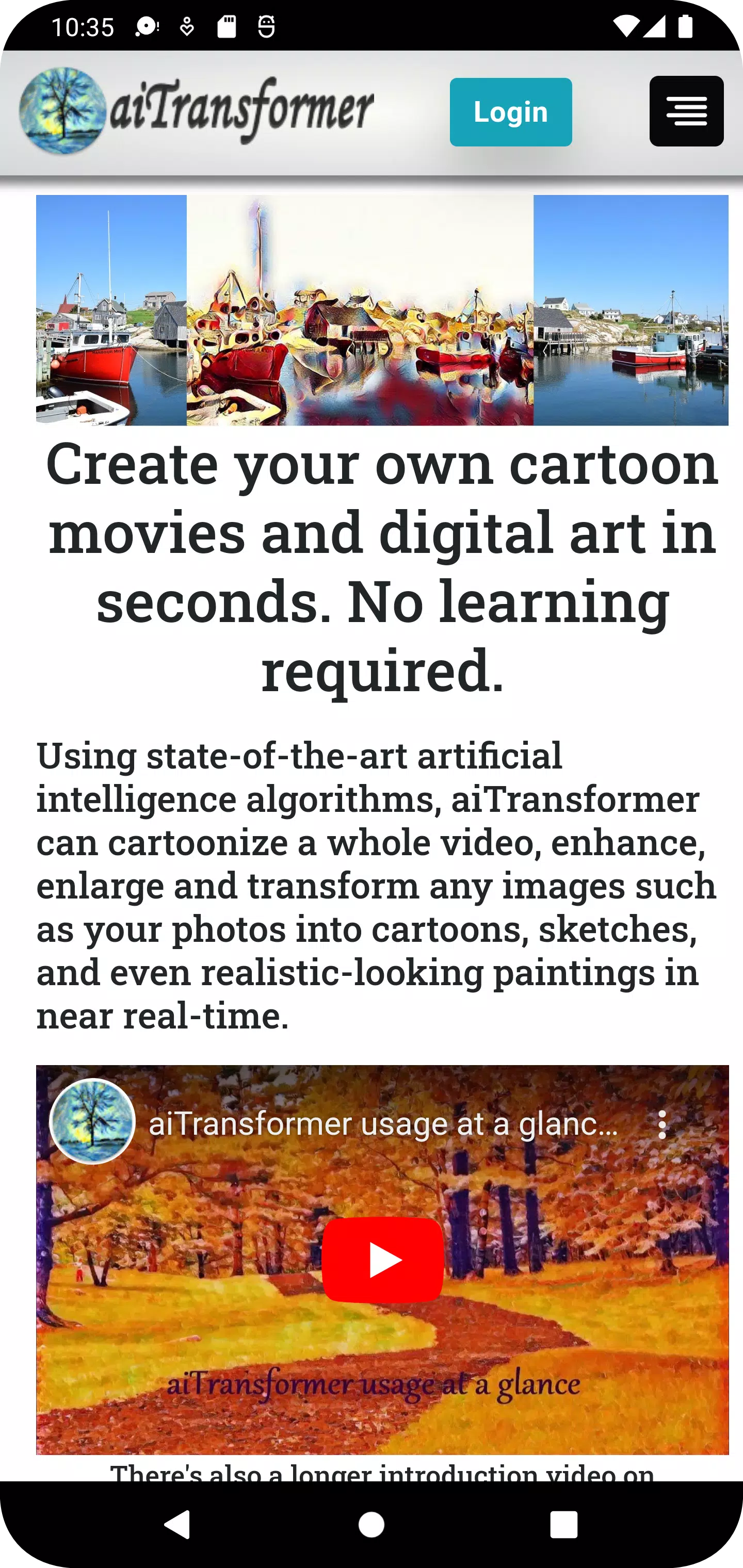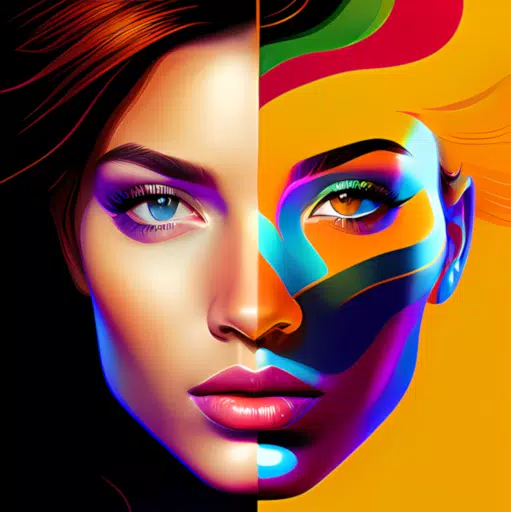
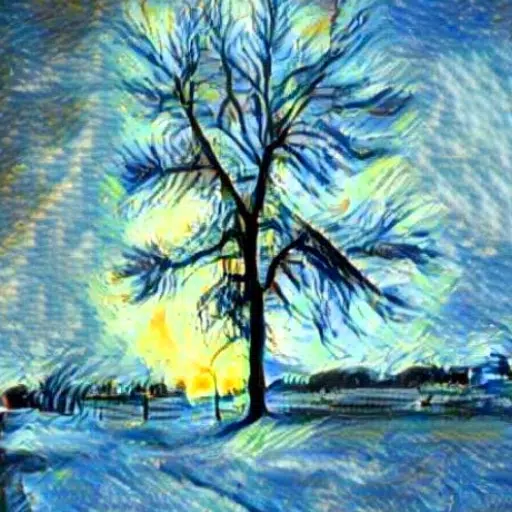
Transform text into images; convert your photos and videos into cartoons, paintings, and various artistic styles.
Produce your own animated cartoons and digital artwork in seconds. No prior experience or learning is needed.
Powered by cutting-edge AI, aiTransformer synthesizes speech and creates images or videos from text. It cartoonizes, enhances, and filters photos and videos; removes or replaces backgrounds; enlarges images; and transforms pictures into sketches and numerous painting styles in near real-time.
Main features:
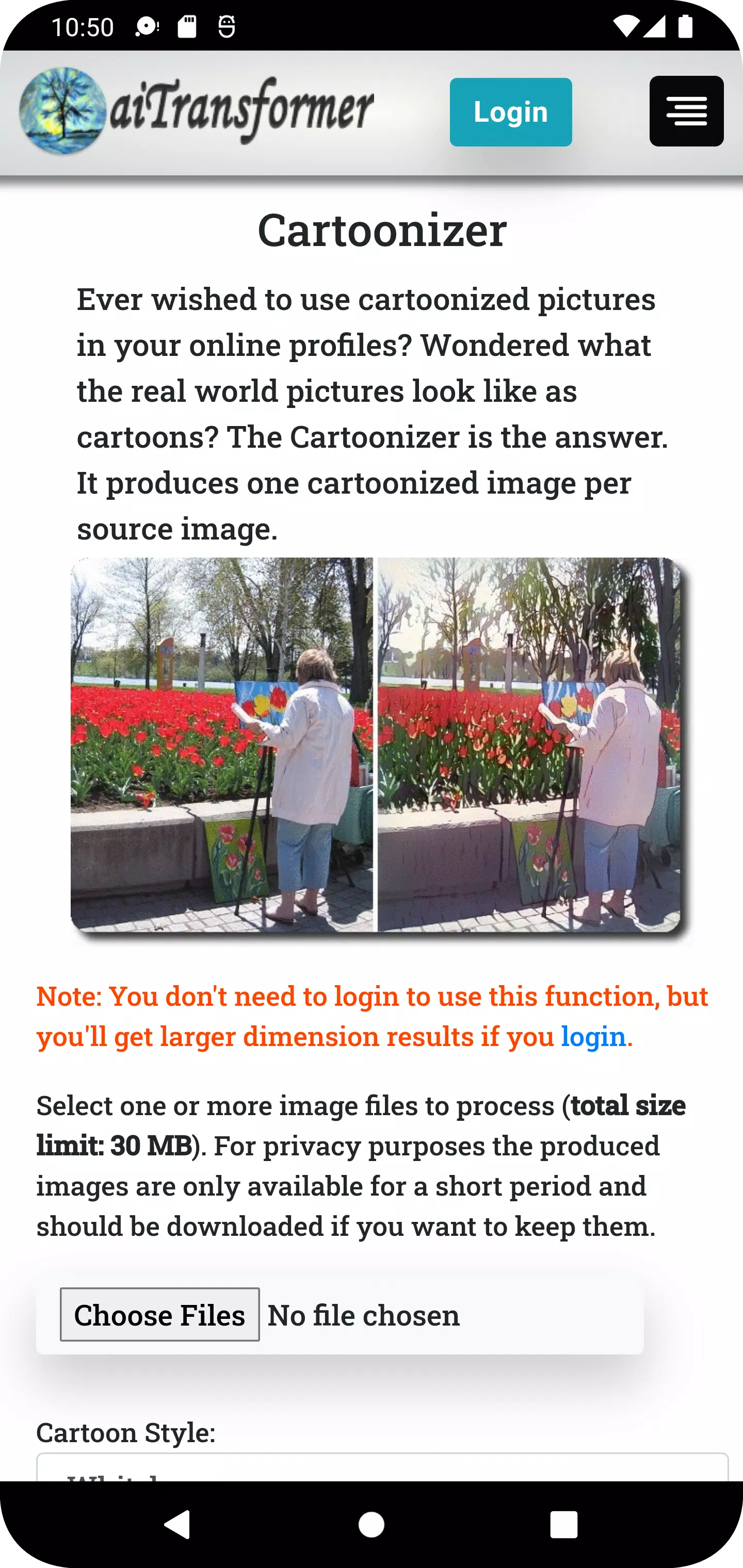
1. Cartoonizer: Convert your pictures into fun, unique cartoons in various styles like Whitebox, Hayao, and Celeba Distill.
2. Video Cartoonizer: Turn your personal videos into animated films. The original audio remains, offering a fresh view of your memories.
3. Background Editor: Simply remove and replace the background of any image. Fine-tune transparency and position your subject perfectly.
4. Video Background Editor: Remove or change the background in video frames, add an image or another video as a new backdrop, while keeping the original sound.
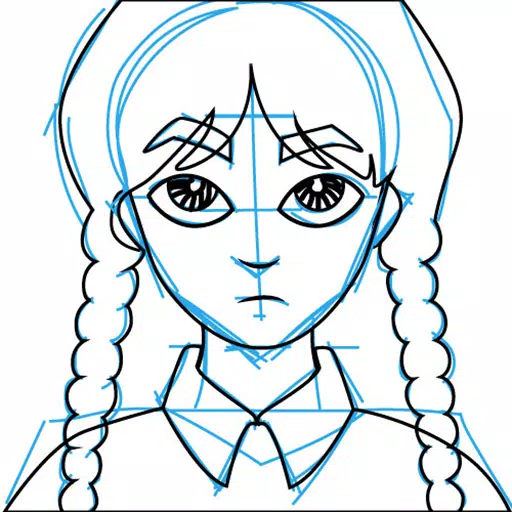
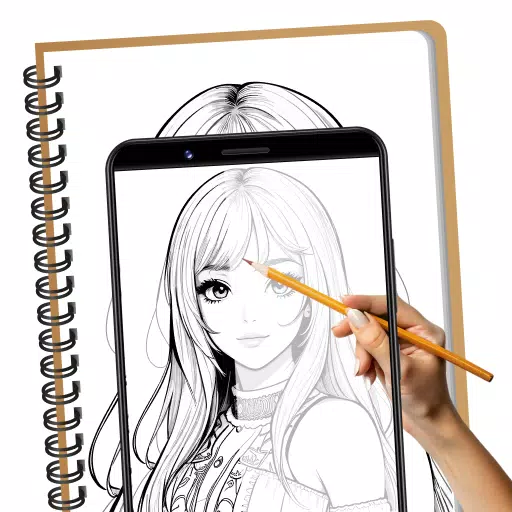
5. Sketcher: Transform any photo into a hand-drawn sketch from a range of artistic styles.
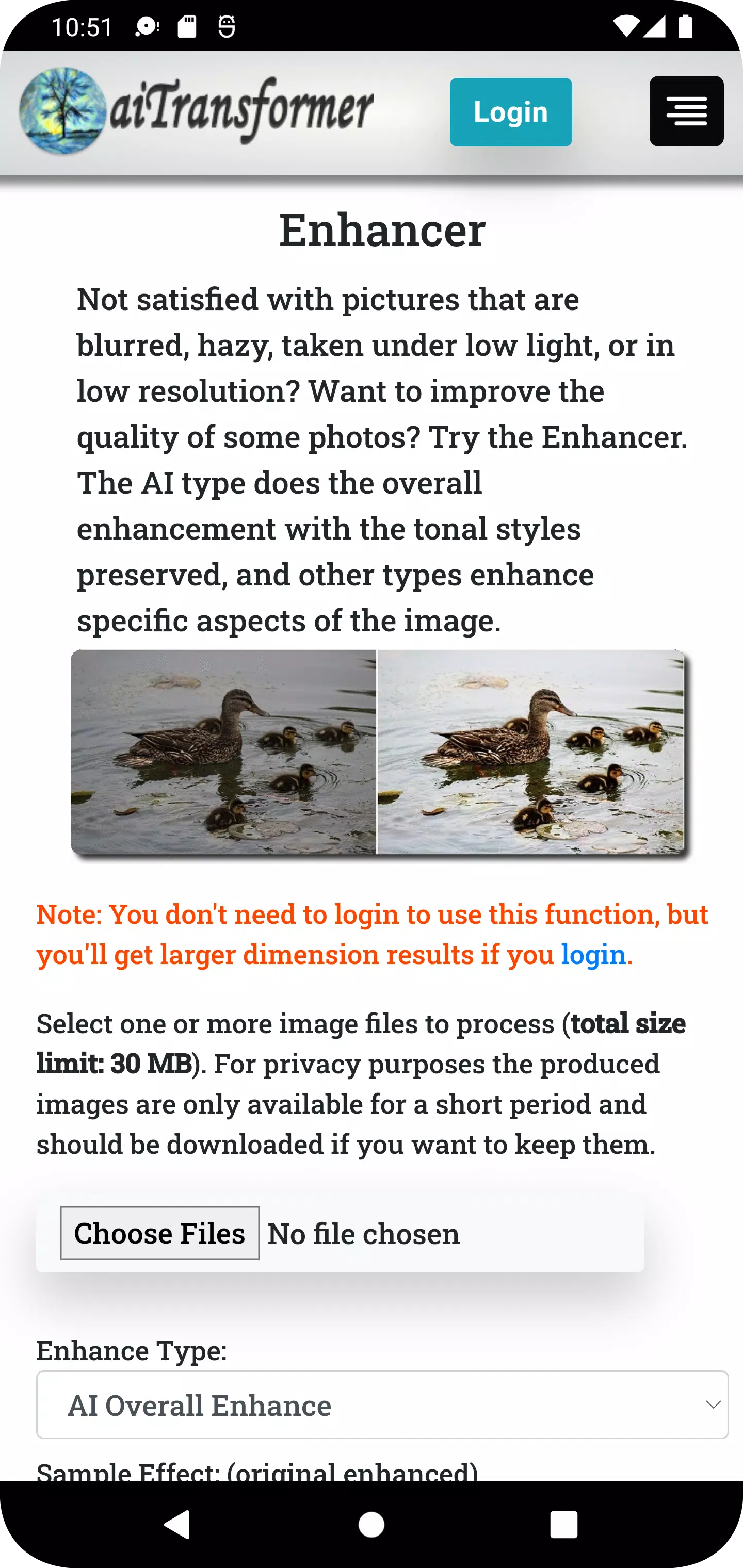
6. Enhancer: Achieve clearer, sharper, and more professional-looking photos with enhancement options like AI Overall Enhance and Face Restoration.
7. Video Enhancer: Boost the sharpness and color vibrancy of your video clips without affecting the original audio.
8. Enlarger: Upscale your images by up to 800% with minimal quality loss.
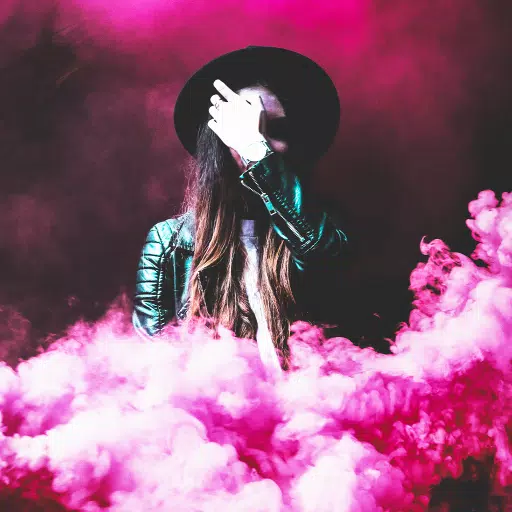
9. Filter: Add artistic flair to your photos with over 50 filters, including Sepia, Emboss, Pointillism, Duotone, and Colormap.
10. Video Filter: Apply creative visual effects to your videos to enhance their appeal and give them a distinctive look.
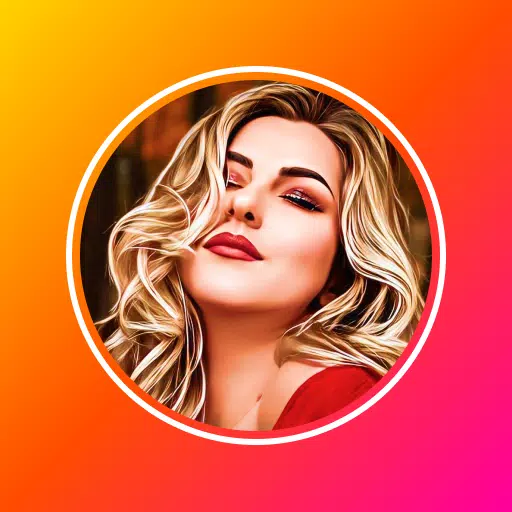
11. Stylizer: Turn your pictures into paintings using over 60 predefined styles inspired by famous artworks, or use any custom style you provide.
12. MultiStylizer: Applies multiple artistic styles based on different areas of your image, creating a unique blend that reflects each style.
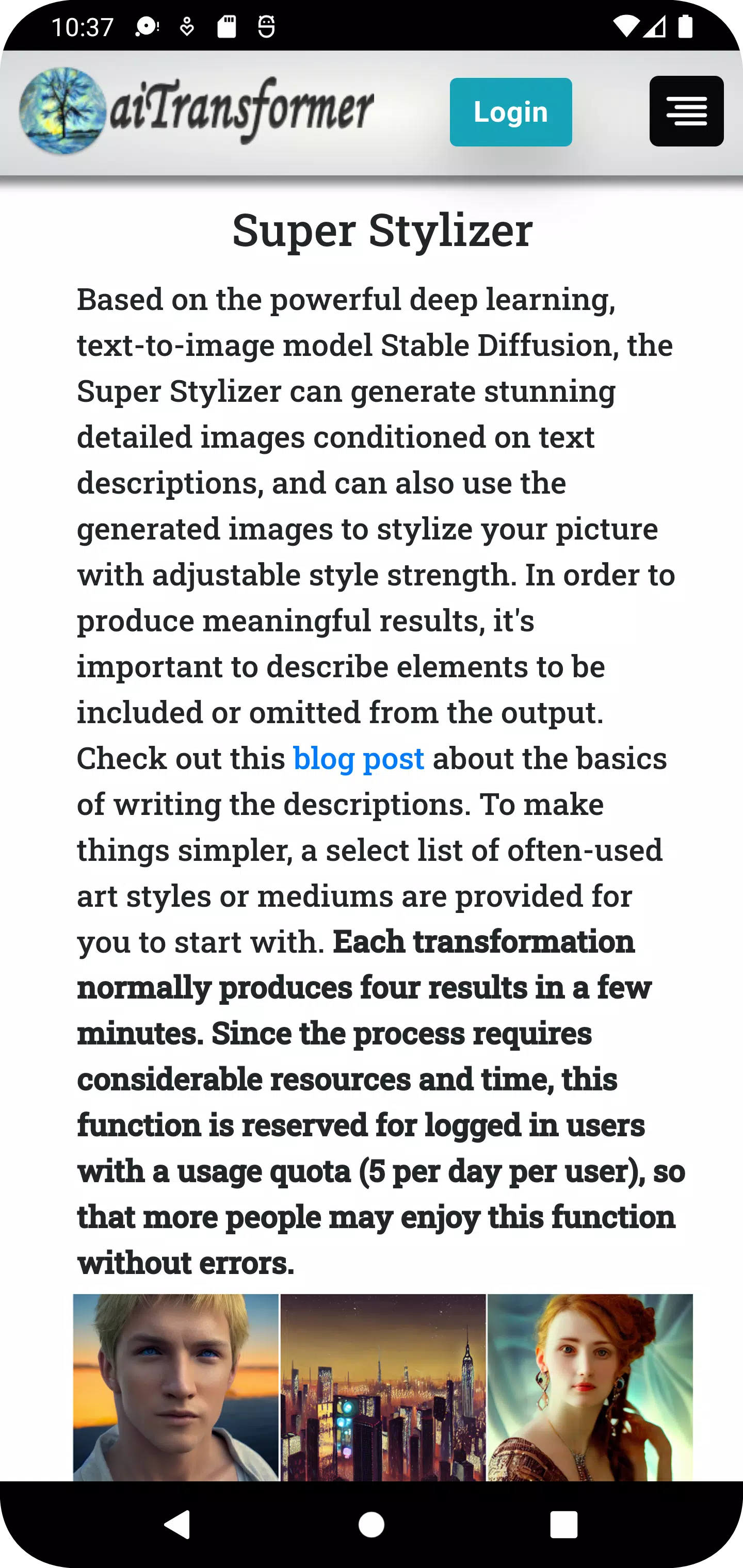
13. Super Stylizer: Generate highly detailed images from text descriptions with many variations, and use them to artistically style your pictures.
14. Prompt Builder: Intuitively build text prompts using Image to Text and 1000+ terms with sample images, or use one-click random prompts from templates or a database.
15. Speech Synthesizer: Convert text into natural human speech and generate a video with an avatar speaking your words.
16. Storybook Maker: A fully automated generator that creates storytelling videos from simple inputs like a prompt, URL, or document.
17. Gallery: Discover creations made with this app, with new images added regularly for inspiration.
18. Blog: Share tips and tricks on using the app to work magic on ordinary photos and videos.
Why choose aiTransformer?
* Easy to Use: No image or video editing skills required—the AI has learned from the best. Use most tools without signing up; just select your files, upload, and download the results.
* Multifunctional: Enhance or enlarge pictures? Remove or replace a background? Create cartoons or sketches? Generate images from text? Apply artistic styles? Do it all here. Process entire videos or handle multiple files at once with batch options.
* Data Privacy: Your media files are streamed directly for processing. Results are temporarily saved for download, and all uploaded or generated files are automatically deleted from our servers after 3 hours.
* Designed with Style: Use styles from famous artworks or infinitely variable AI-generated images to transform ordinary pictures into something extraordinary and uniquely yours.
Get aiTransformer now to unlock the power of AI and effortlessly transform your photos and videos!
What's New in Version 2.8
Last updated on Apr 13, 2024
- Introducing Storybook Maker: A fully automated tool that creates storytelling videos from simple inputs like a prompt, URL, or document.
- Added a 'Recover Results' button for long-running tasks like video processing. If network issues interrupt the wait, use this button to retrieve your results if they are ready.