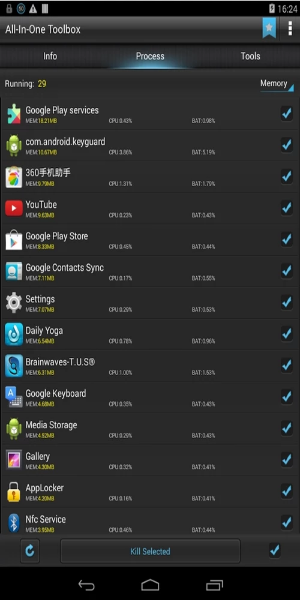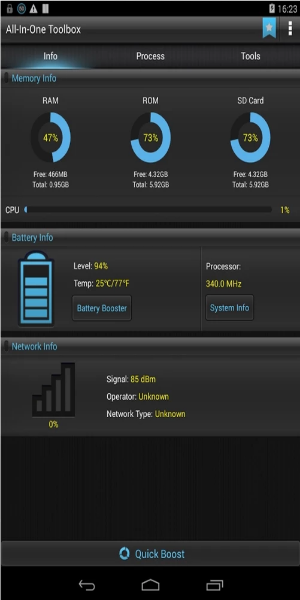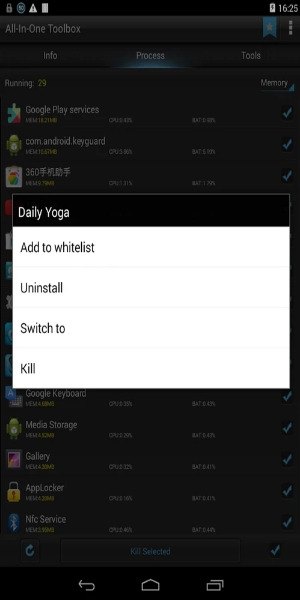

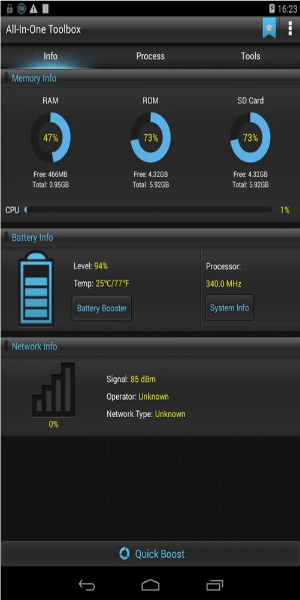
All-In-One Toolbox is a powerful collection of essential Android tools designed to free up storage, boost device speed, optimize memory, extend battery life, lock down your privacy, manage apps and files, and more. Easily organize apps in seconds, explore system files, and make quick adjustments—all from one convenient hub.
What Can All-In-One Toolbox Do for You?
Clean Junk Files Efficiently
Looking to quickly clear up storage without spending too much time? All-In-One Toolbox is your go-to solution. As the name suggests, this app offers a full suite of features, so you keep your phone running smoothly without the clutter. Over time, smartphones slow down—often because of junk files piling up. All-In-One Toolbox steps in to clean app cache, free up RAM, and remove search histories that drag your system down. With these tools, you can restore your smartphone’s responsiveness and enjoy a faster, smoother performance every day. It’s your reliable partner for effortless device maintenance, including launcher management and system boosting.
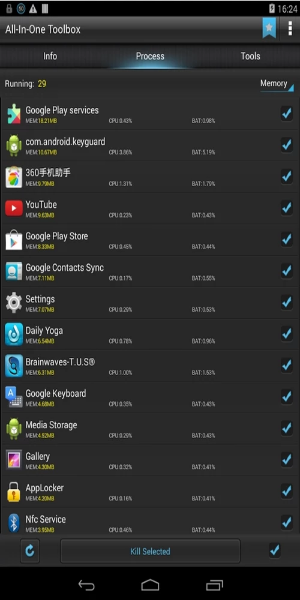
Does your battery drain too quickly? Often, apps running in the background are the culprit—they consume power and hog memory. By shutting down these apps automatically, you can reduce memory usage and experience a more responsive device.
Uninstall or Remove Unwanted Apps
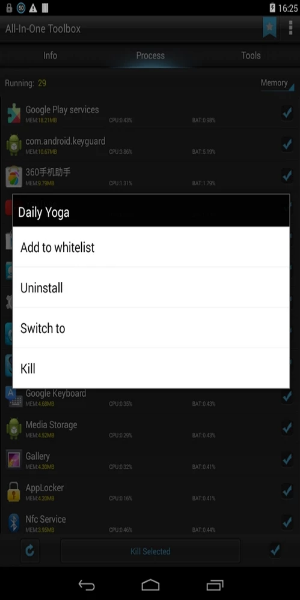
We all collect apps we no longer use, and they take up precious space and slow down the phone. All-In-One Toolbox provides an all-in-one solution to tackle this problem effectively. It helps you identify and remove unnecessary apps, so you recover storage and improve phone performance in just a few taps.
You can also reorganize or uninstall apps based on usage patterns, freeing up space and eliminating worry about storage limits. Plus, organize files systematically and clear out leftover junk files for better device hygiene.
Manage Memory Card Files and Explore Extra Tools
Beyond basic cleanup, this app includes a host of useful extras. You can speed up APK downloads by selecting multiple files at once—no more waiting. It also lets you backup or restore installed applications in a few simple steps.
Explore more than 29 tools made to boost phone performance. Scan barcodes for quick info access, enhance gaming performance to avoid lags, and much more.
How to Download All-In-One Toolbox
Step 1: Tap the Download Button
Start by tapping the download button available here.
Step 2: Find the APK in Your File Manager
Once the download begins, open your file manager and find the downloaded APK file.
Note: Enable Unknown Sources
After downloading, go to your settings and turn on “Unknown Sources.” Since All-In-One Toolbox is a modified third-party app, Android normally blocks installation from unknown sources for security.
Step 3: Install the All-In-One Toolbox APK
Tap the downloaded APK file and follow the on-screen prompts to install.
Step 4: Launch All-In-One Toolbox Premium
Once installed, you’ll see the app icon on your home screen. Tap it to open All-In-One Toolbox Premium.
Congratulations! You've successfully installed your desired application on your Android device.
Download All-In-One Toolbox Today!
All-In-One Toolbox ranks among the top security and optimization apps available. Built to work with almost every smartphone model, this tool puts data privacy and security first. Ignoring privacy protection could expose you to risks. By installing All-In-One Toolbox, you take a smart step toward securing your data and preventing privacy breaches.