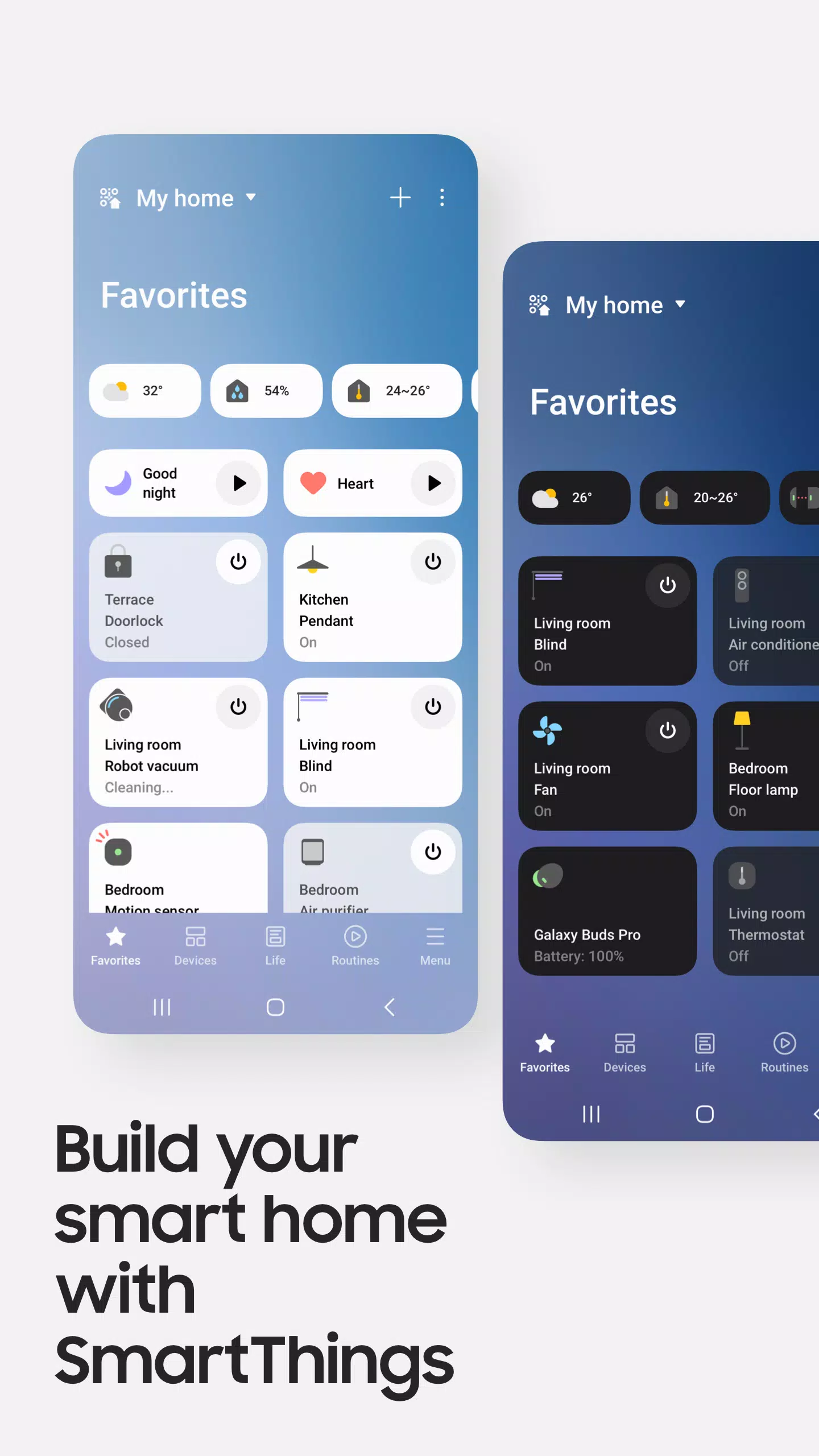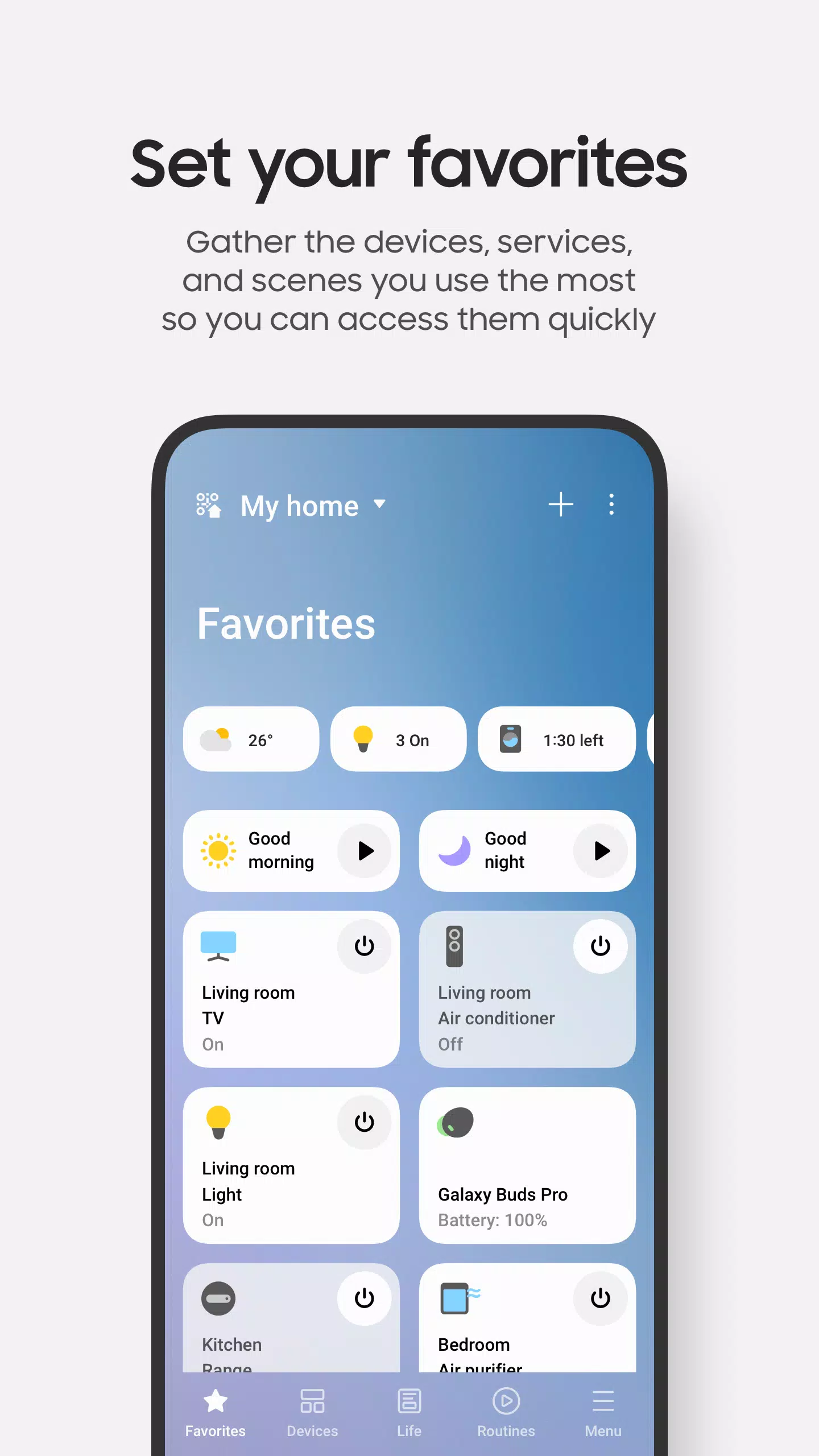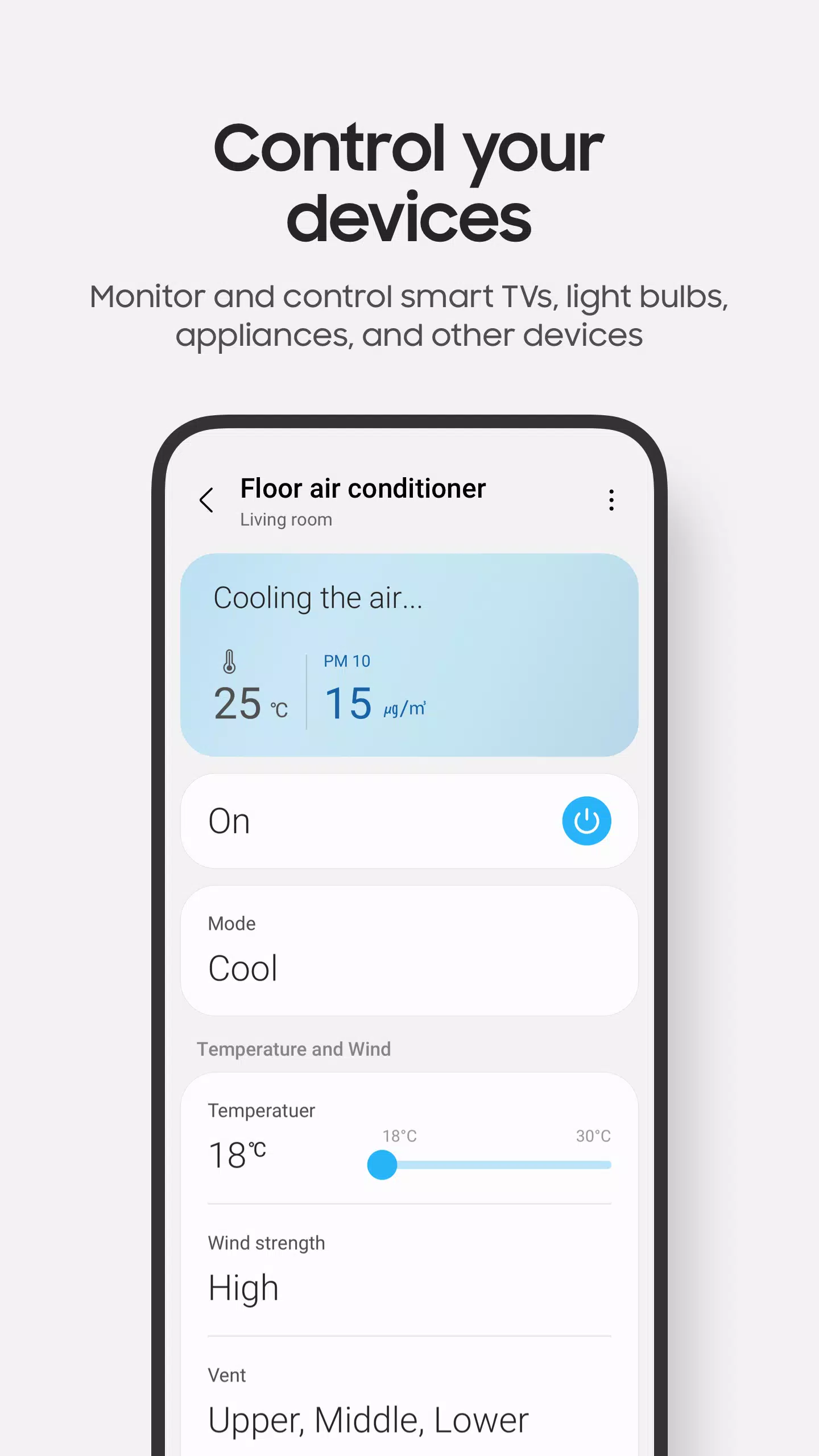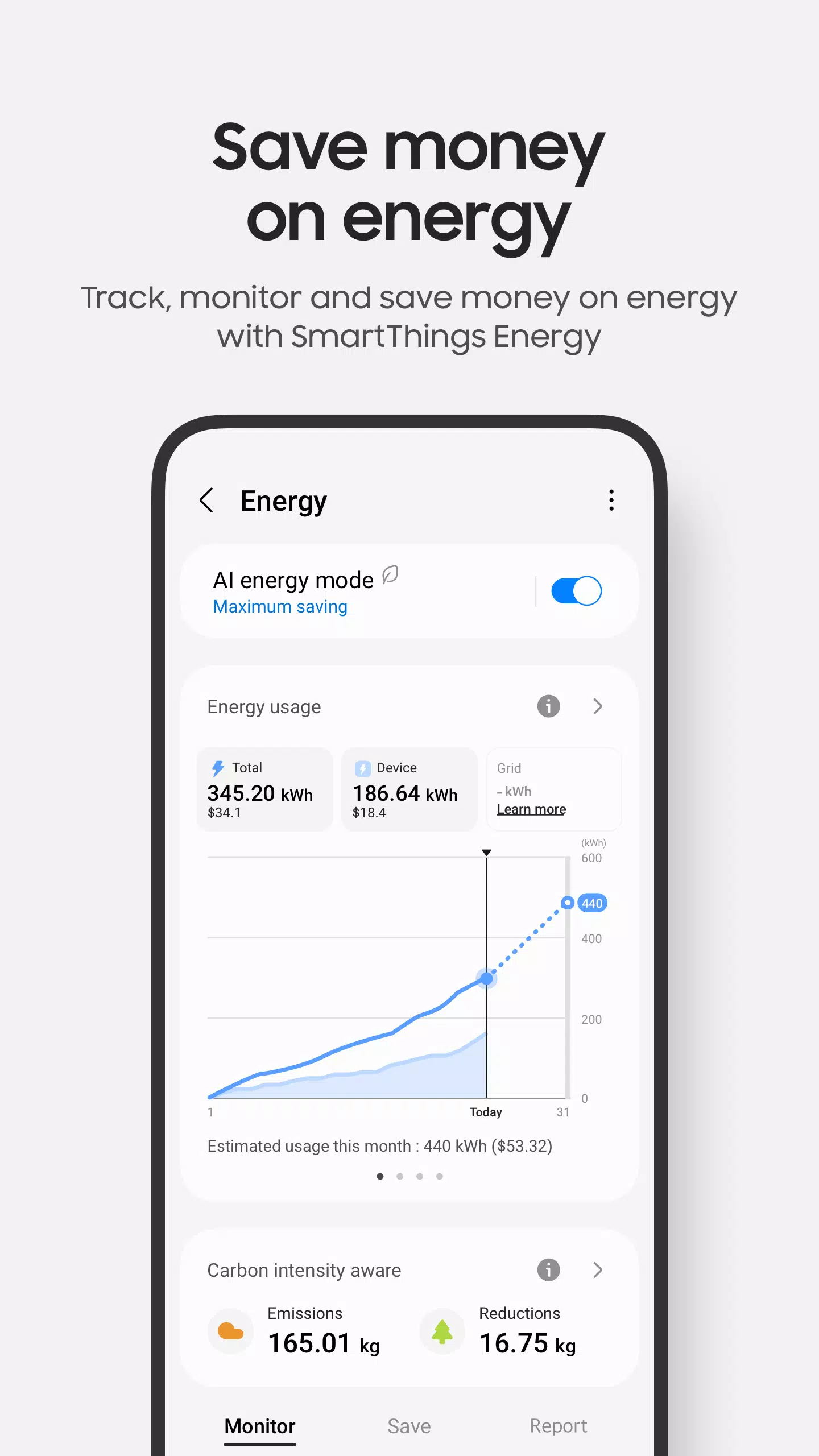

Manage your Samsung Smart TVs, home appliances, and all your SmartThings-compatible gadgets
Connect and operate your smart home devices swiftly and effortlessly with SmartThings.
SmartThings works with hundreds of smart home brands. Control all your smart home technology in one convenient location, from Samsung Smart TVs to smart household appliances.
With SmartThings, you can seamlessly connect, monitor, and control multiple smart home devices faster and with greater ease. Link your Samsung smart TVs, smart appliances, smart speakers, and popular brands like Ring, Nest, and Philips Hue—all through a single app.
You can also operate your smart gadgets using voice assistants such as Alexa, Bixby, and Google Assistant
[Key Features]
- Monitor and manage your home from any location
- Create automated routines based on time, weather, or device status so your home functions smoothly in the background
- Grant access to other users for shared home control
- Get real-time device status updates through automated notifications
※ SmartThings delivers optimal performance on Samsung smartphones. Certain capabilities may be limited on devices from other manufacturers.
※ Feature availability may vary by country.
※ SmartThings can also be installed on Wear OS-based smartwatches.
※ SmartThings for Wear OS requires an active connection to your mobile phone. Add the SmartThings tile to your watch for instant access to routines and device controls. We also offer SmartThings complications that let you launch the app directly from your watch face.
[App requirements]
Support may be limited on certain mobile devices.
- RAM: 2GB or more
- Galaxy devices: Smart View support for screen mirroring functionality
※ App permissions
The app requires specific permissions to function. While optional permissions aren't mandatory, some features may not work without them.
[Optional access permissions]
• Location: Enables device location tracking, location-based routines, and Wi-Fi device scanning
• Nearby devices: (Android 12 and above) Allows Bluetooth Low Energy (BLE) scanning for nearby devices
• Notifications: (Android 13 and above) Delivers notifications about SmartThings devices and features
• Camera: Used to scan QR codes for easy addition of members and devices
• Microphone: Enables device setup using high-frequency audio signals
• Storage: (Android 9-11) Allows data storage and content sharing
• Files and media: (Android 12) Permits data storage and content sharing
• Photos and videos: (Android 13 and above) Enables media playback on SmartThings devices
• Music and audio: (Android 13 and above) Allows audio and video playback on SmartThings devices
• Phone: (Android 9) Enables calling via smart speakers and displays information about content sharing contacts
• Phone: (Android 10 and above) Allows calling through smart speakers
• Contacts: (Android 9) Accesses contact phone numbers for text message notifications and displays names of content senders
• Contacts: (Android 10 and above) Retrieves contact phone numbers for text message notifications
• Physical activity: (Android 10 and above) Detects when you begin pet walking activities