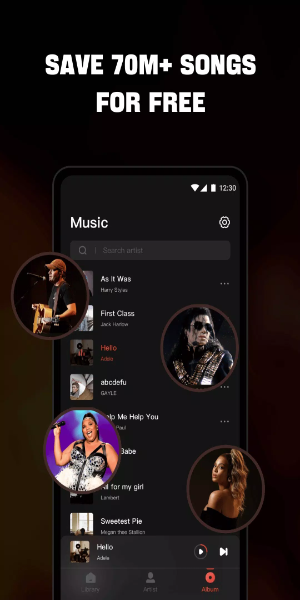

Discover the ultimate offline music experience with Mixtube. This free MP3 player, radio tuner, and music downloader lets you enjoy your favorite songs anywhere, without an internet connection. Easily import all your music and audio files in any format. Our built-in high-quality equalizer enhances your sound for a superior listening experience.

Why Choose Mixtube Music?
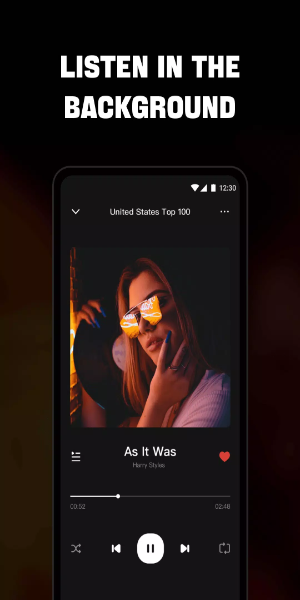
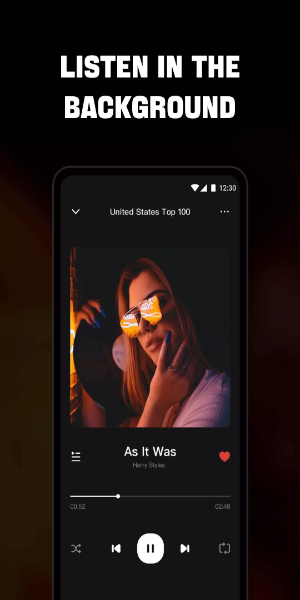
- Uninterrupted Playback: Enjoy continuous music and audio while using other apps or during daily tasks like work, housework, or studying.
- Broad Format Support: Plays all major audio formats including MP3, WAV, FLAC, AAC, APE, and MIDI, delivering high-quality sound for every track.
Endless Free Music:
- Explore a vast library of the newest songs available on the platform.
- Use a floating video player that can be moved anywhere on your screen, allowing you to multitask without interrupting your music.
- Works perfectly with headphones and speakers for the best audio experience.
- View and control your music playback directly from your screen.
- Customize playback with single loop, shuffle, or continuous loop modes to match your mood.
High-Quality Music Player: Experience
- Sing along easily with real-time, synchronized lyrics for your favorite songs.
- Customize your audio with a powerful built-in equalizer.
- Access a wide variety of music in multiple formats from your device, SD card, or even YouTube.
- Discover songs across all genres, from Billboard Hot 100 and iTunes Top 100 to K-pop, Latin, Indian, J-pop, and global chart-toppers.
- Multitask effortlessly with a floating music player.
- Play individual songs or entire playlists on this free music player.
- Quickly find and manage all audio files stored in your phone memory or SD card.
- Playback automatically pauses when headphones are unplugged.
- Set a sleep timer to stop the player automatically at your preferred time.
High-Definition Video Player: Enjoy
- Browse and play all your local video files—movie clips, trailers, status videos—in any format stored on your device.
- Background play lets videos continue even when switching apps or with the screen off.
- Use the floating play feature to resize and move the player window for seamless multitasking.
- Access multiple playback controls for volume, brightness, speed, and more, plus preset modes.
- Easily load local subtitle files to watch videos with subtitles.
- Also functions as a free YouTube music video player.
How to Install:
Download the APK: Get the APK file from a trusted source like 40407.com.
Enable Unknown Sources: Go to your device’s security settings and allow app installations from unknown sources.
Install the APK: Find the downloaded file and follow the on-screen steps to install.
Launch the App: Open Mixtube and start enjoying your music and videos.