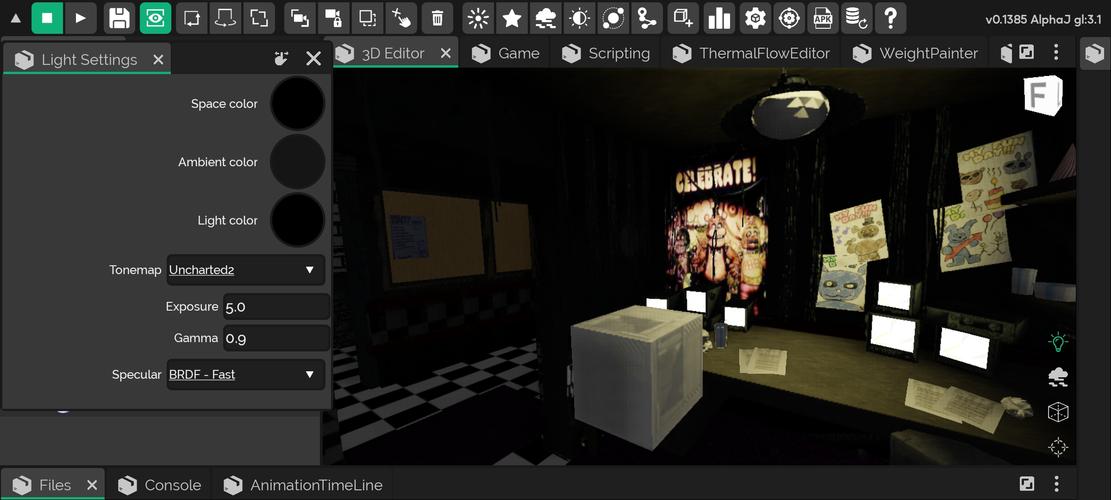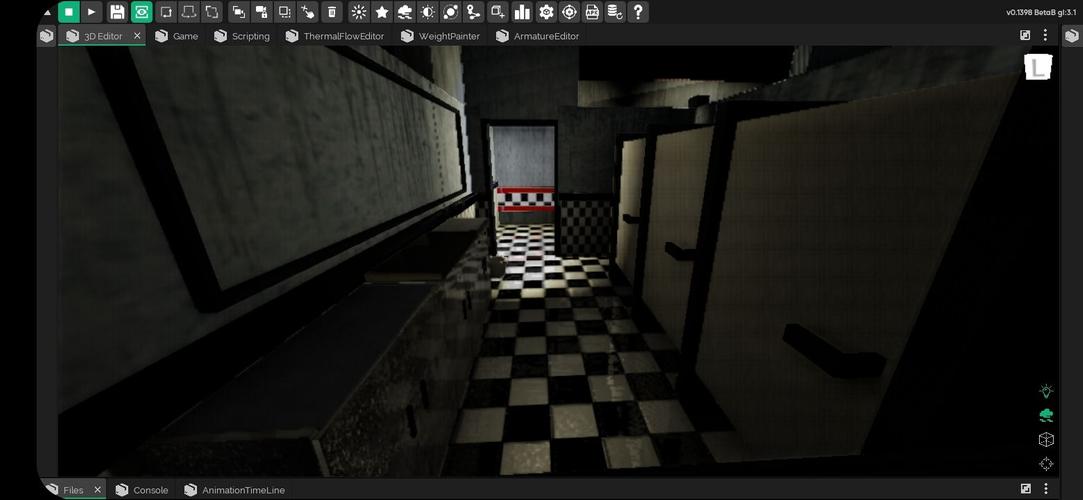

A Complete 3D Mobile Game Creator!
Build, play, and share professional games you create yourself with your friends.
Create games on mobile exactly the way you do on computers.
Design professional games featuring advanced graphics and physics directly from your mobile device—for free.
Creating online multiplayer games has never been easier. Use ITS Magic to handle servers effortlessly while building connected experiences.
The ItsMagic Engine lets you export your game as APK or AAB files, share them anywhere, or publish directly to the Play Store.
Construct and animate 3D objects to create stunning, professional games that are perfect for sharing and playing with friends.
You can also develop any feature using Java, one of the most powerful programming languages in the world.
Features:
- Advanced graphics and physics engine
- Animations on any model
- Import external models (.obj, .dae, .3ds) with partial support for (fbx, blend)
- Export to APK and AAB formats
Extra Features:
- Terrain Editor
- High-performance object renderer (HPOP)
- Custom real-time 3D shaders via OpenGL and GLSL scripts
- Support for Python, Java, ThermalFlow, and NodeScript
- Real-time shadows
- Sound reproduction within the 3D environment
- Advanced shader support
- Unlimited worlds, models, objects, textures, and projects
- Import 3D models from: .obj | .dae | .fbx | .blend | .3ds
- Import 3D animations from: .dae
- Import textures from: .png | .jpg
- New option to rename files and folders added to the file panel.
- Version Control System: Currently in initial development stage. Long-tap a file inside the file panel, then select VCS -> Revert.
- Added outline shader to model renderers.
- Improved some editor gizmos.
- Many bug fixes included.
- New SSAO filter (Work in Progress).
- Added mouse support.
- The editor now includes keyboard shortcuts for use with physical keyboards. Check available shortcuts in the editor settings.
- Improved 3D editor axes, including a new rotation axis.
What's New in the Latest Version ST.2024.07f13
Last updated on Jul 25, 2024.