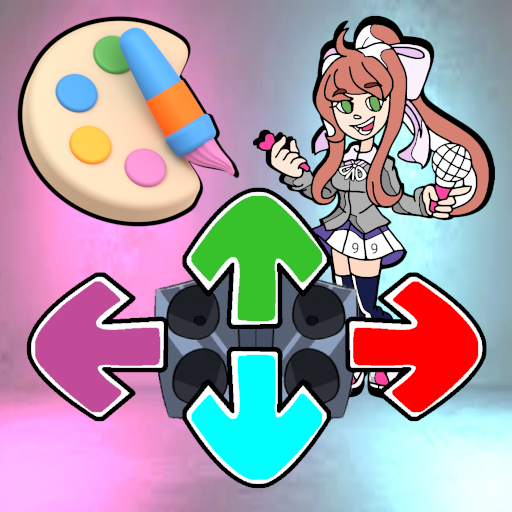
Color Mods - Enjoy a hilarious FNF Music Night experience. Explore over 100 mods and more than 350 coloring pages.
Our game provides two distinct options to play throughout the week, designed for independent developer modes of the full Music Night, perfect for all enthusiasts.
The first is a coloring game featuring over three hundred Friday Night Funkin' themed coloring pages, where you choose colors by numbers and fill in the designated areas.
The second is a Test version of the playground mode, allowing you to comfortably and stress-free explore the sounds and animations of FNF characters using the up, down, left, and right arrows.
In both game modes, you have the option to completely mute sounds and music if preferred.
How to play the FNF Music Night character coloring game?
By tapping the coloring game button on the start screen, you'll access a gallery with hundreds of Music Night mod coloring pages.
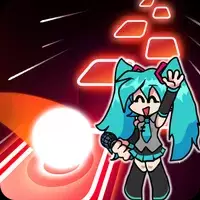
Alongside popular characters like boyfriend, girlfriend, mom, Miku, and Agoti, the collection also includes some spooky characters like Huggy and Wuggy.
To begin, select the black-line drawing of your chosen FNF character on a white background.
Once you open a coloring page, a large image appears at the top, with numbered color options displayed below.
Each color corresponds to one or more specific areas on the page.
After picking a color from the palette, tap the gray sections in the image to start filling them in.
If you struggle to identify color areas while coloring, use the hint feature located in the top left corner.
When you run out of hints, you can watch a rewarded ad to replenish them and continue coloring your character.
Completing a character coloring page rewards you with an additional hint.
If you're ready to color all the mod themes by number, you're all set for hours of fun.
How to play the FNF Night Funny Modes Playground Test game?
Press the button with four directional arrows on the main screen to dive into the mod testing fun.
You'll see a list of FNF characters, each dancing with unique rhythms and animations.
The roster includes custom mod characters like Huggy, Wuggy, Kissy, Missy, Mouse, and Among Us—sometimes spooky, sometimes amusing—all with impressive dance moves and sounds.
Testing some FNF Music Night characters in playground mode may require watching a rewarded ad.
To try out a character, simply select its button to proceed to the next screen.
On the test screen, you'll find four directional arrow buttons at the bottom in different colors.
If no buttons are pressed, the character idly dances to the background music.
Pressing any arrow triggers a new dance animation and sound from the character.
Experiment with the arrows to compose your own battle music and choreograph unique dance routines.
In sound settings, you can choose whether the character's sound repeats while holding a button or plays once per press.
Test all FNF Music Night modes in a relaxed, stress-free environment.
If you enjoy our FNF Friday Music Night coloring and testing modes, remember to share the game with friends using the share button.
We appreciate your positive feedback and notifications.
What's New in the Latest Version 11
Coloring Page version added
SDK libraries updated
Icon updated to reflect the coloring game