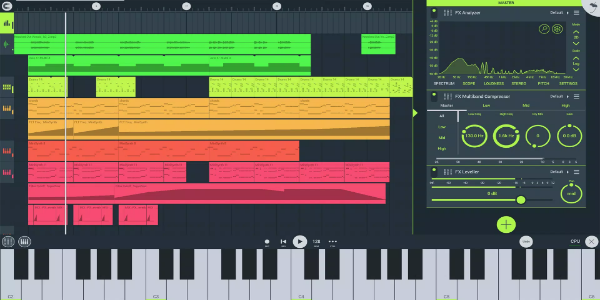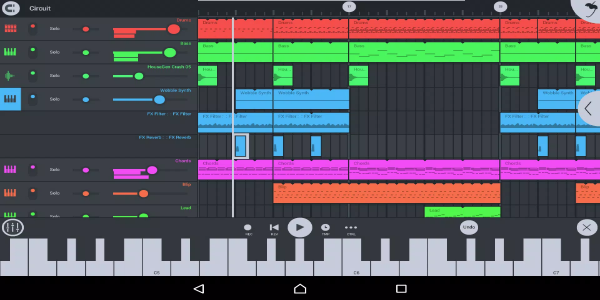

FL Studio - Music Mobile is a robust music production app crafted for mobile devices. It enables users to compose, edit, and mix tracks on the move, making it the perfect companion for musicians and producers who wish to develop their projects anytime, anywhere. FL Studio - Music Mobile has risen to become one of today's most popular music creation applications.
FL Studio - Music Mobile Features
FL Studio - Music Mobile is equipped with an extensive suite of features that simplify professional music production. Key capabilities include:
A comprehensive sound library with loops and samples for building unique compositions.
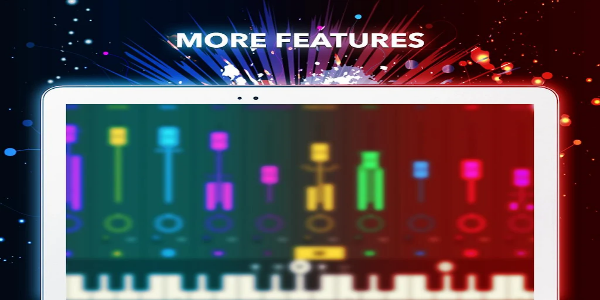
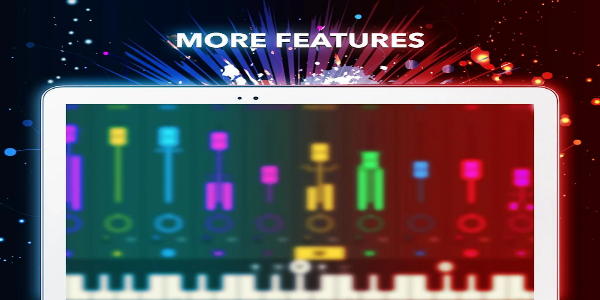
A multi-track audio mixer for individual track level adjustment, panning, and effect application.
A step sequencer that streamlines drum pattern programming and rhythmic element creation.
A piano roll editor for detailed MIDI note editing and complex melody/harmony development.
Multiple built-in effects including reverb, delay, and distortion for individual tracks or full mixes.
Support for external controllers and hardware like MIDI keyboards and audio interfaces to expand creative options.
Advantages of FL Studio - Music Mobile
FL Studio - Music Mobile delivers significant benefits for music creators. It provides the freedom to work from any location, untethered from traditional studio setups. This mobility helps capture creative inspiration instantly and accelerates project completion. The app's rich feature set produces studio-quality results without expensive equipment. Its user-friendly interface welcomes both novices and professionals, letting them concentrate on creativity rather than technical challenges.
FL Studio - Music Mobile offers multiple advantages including enhanced flexibility, cost-effectiveness, and accessibility. Its comprehensive tools and intuitive design make it ideal for creating professional music while mobile.
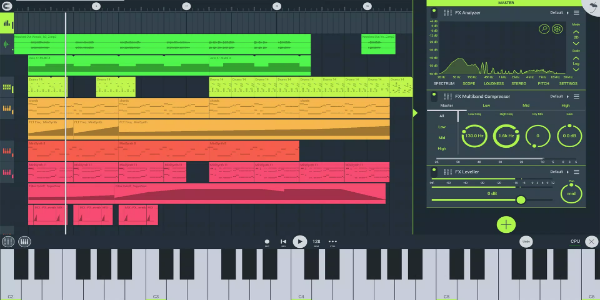
Getting Started with FL Studio - Music Mobile
Beginning your journey with FL Studio - Music Mobile is quick and simple. First, download the app from your device's app store (Google Play or Apple App Store) and install it. Launch the application and explore the interface to understand its layout and options. Start a new project by selecting a blank template or using pre-designed templates. Build your composition by adding sounds from the built-in library or importing your audio files. Experiment with different effects and settings to perfect your sound. When satisfied, export your track as MP3 or share it directly through the app's community for feedback and collaboration.
Installation Guide
Download the Tv Privado APK: Acquire the APK file from a reliable source, 40407.com.
Enable Unknown Sources: Access your device's security settings and permit app installations from unknown sources.
Install the APK: Find the downloaded file and follow the installation instructions.
Launch the App: Open the application and start using it.
Starting with FL Studio - Music Mobile is straightforward and enjoyable. Follow these steps to begin producing professional-quality music on your mobile device quickly!
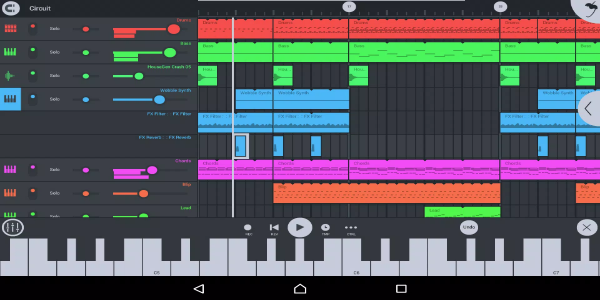
Begin Your Musical Journey in FL Studio - Music Mobile Today!
FL Studio - Music Mobile is a versatile, powerful music production application offering extensive features for creating professional-grade music anywhere. Its intuitive interface and vast sound collection make it an outstanding choice for musicians and producers seeking mobile creative freedom.